Hey guys, As someone who’s been an Oppo user for over five years now, I always get that butterflies-in-the-stomach feeling when a major update notification pops up. Last year, when the Oppo Android 14 Update Download showed up on my Reno 10, I hesitated for days. Would it breathe new life into my phone, or turn it into a glitchy nightmare? I finally took the plunge, and honestly? It was mostly a huge win, with just a couple of small bumps along the way. If you’re eyeing that update right now or even looking back at it in late 2025let’s chat about it like friends over coffee.
What Exactly Is the Oppo Software Update Android 14 Download?
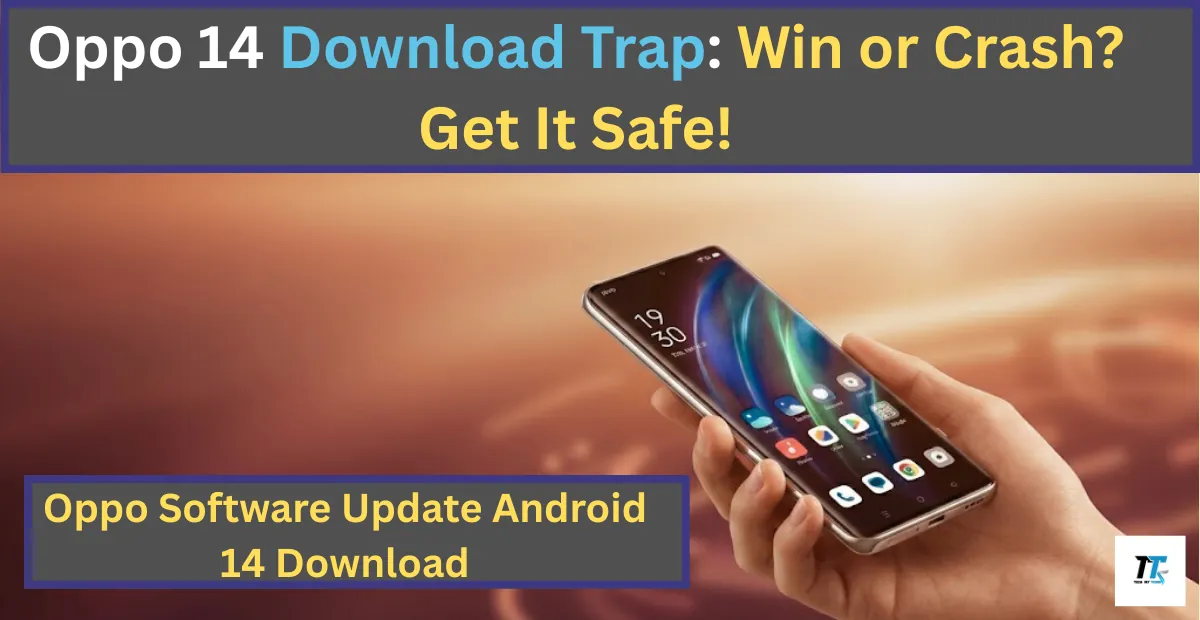
At its core, this is Oppo’s take on Android 14, known as ColorOS 14. Oppo layers their own magic on top of Google’s Android, adding smoother animations, smarter tools, and features that make everyday use feel premium. The Oppo Software Update Android 14 Download is completely free and comes directly from Oppo through official channels no sketchy third-party sites needed.
I remember scrolling through forums back when it launched in late 2023. My buddy with a Find X5 got it first and kept sending screenshots of the new design. It pushed me to check my settings obsessively until it arrived.
Standout Features in the Oppo Android14 Update Download
ColorOS 14 brought some genuinely cool upgrades that I still appreciate today:
- Aquamorphic Design: A fresh, water inspired look with calming colors, bubbly notifications, and fluid animations that make everything feel more natural.
- AI Smarts: Smart Image Matting lets you effortlessly cut out people or pets from photos. Smart Touch grabs text or images and parks them in a handy File Dock for quick access.
- Trinity Engine: Oppo’s tech for keeping things speedy better RAM management, smoother multitasking, and less slowdown over time.
- Privacy and Battery Wins: Picture Keeper blocks apps from accessing your photos without permission. Smart Charging adjusts power intake to protect battery health.
- Fun Extras: New ambient sounds, improved split-screen multitasking, and eco-friendly Always-On Display options.
After the Oppo Software Update Android 14 Download, my phone’s battery easily lasted a full day with heavy use, and photo editing felt so much faster. Switching apps? Butter smooth. It truly felt like a free refresh.
Which Phones Support the Oppo Software Update Android 14 Download?
By the end of 2024, Oppo had rolled out ColorOS 14 to a ton of devices. Flagships like the Find X series, foldables such as the Find N3 Flip, and mid-rangers including Reno 12, Reno 11, Reno 10, Reno 8, plus A-series like A78 and A58 all got it. Even some older models were included in batches.
My story: I had a Reno 10, which was in one of the later waves. I kept tapping “Check for updates” every morning. When it finally hit, I did a little happy dance in my kitchen.
How to Get the Oppo Software Update Android 14 Download Safely
The safest (and only recommended) way is official OTA:
- Open Settings > About Device > Software Updates.
- Tap Check for Updates.
- If it’s there, download over Wi-Fi and install.
Always back up your photos, contacts, and apps first use Oppo’s built-in backup or Google Drive. Keep your phone charged above 50%, and maybe do it overnight.

From experience: My update took about 45 minutes, and the phone got a bit warm while optimizing afterward. It cooled down quickly, and everything was fine by morning.
Any Risks? Could It Be a Big Crash?
Let’s be real not every update is flawless. Some users reported early bugs like occasional app crashes especially with older apps not yet optimized for Android 14, and temporary battery tweaks needed, or minor lag during the first day or two. Third-party apps sometimes needed updates to play nice.
On my device, one banking app froze a couple times post-update, but a quick app update fixed it. No major crashes for me. Oppo pushed bug fixes pretty fast for widespread issues. If you’re super cautious, waiting for your region’s stable rollout was smart.
My Conclusion: Go for the Oppo Software Update Android 14 Download?
Hands down, it was a free win! Even now in 2025, with newer updates out there, ColorOS 14 made older Oppo phones feel modern, secure, and enjoyable. The perks far outweighed the tiny hiccups.
If your eligible model still has the option or you are considering an older Oppo), I would say yes it’s worth it. What’s your Oppo model, and did you update? Share your experience below I would love to hear!
Also Read: Realme Android 12 Update List Out-Is Your Phone Stuck Old?
Also Read: The Callisto Protocol Review 2025 – Is It Worth Playing Now?