You’ve sent 40 applications. Zero callbacks. The problem might not be your experience. It might be your resume never reaching a human in the first place.
Most companies , including nearly all large Indian IT firms, MNCs, and startups using Workday or Naukri’s backend , run every application through ATS software first. If your resume isn’t formatted correctly or lacks the right keywords, it gets rejected automatically. No one even reads it.
That’s exactly where Best AI resume builders help. But not all of them are equal. Some produce generic, robotic content that recruiters now recognise instantly. Others are genuinely useful.
I tested the most popular ones and broke down exactly what each does well — and where it falls flat.
Quick Overview — Best For Each Type of Job Seeker
Before diving in, here’s a fast way to pick your tool:
- Freshers building from scratch – Kickresume or Resume.io
- Experienced professionals targeting ATS – Rezi or Jobscan
- Applying to multiple roles at once – Teal
- LinkedIn-heavy job seekers – Resume Worded
- Budget-conscious Indian users (free plans) – Teal or Kickresume
Top Best AI Resume Builders For Job Seekers
1. Rezi — Best for Cracking ATS Filters
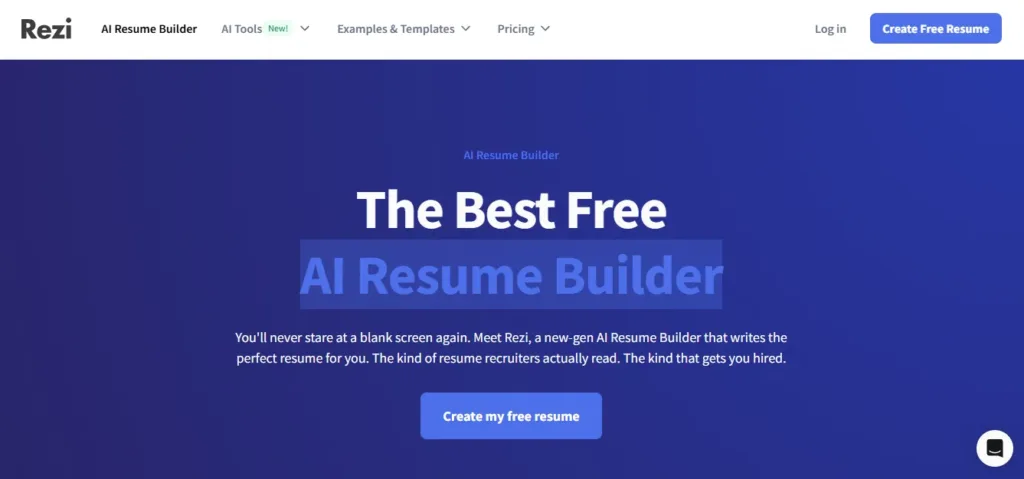
Rezi is built around one specific problem: getting your resume past automated screening.
Here’s how it works. You paste a job description into Rezi. It compares your resume against the posting and shows you exactly which keywords are missing, which sections are too weak, and what needs to change. Think of it as a gap report between your resume and the job.
For example, if you’re applying for a “Data Analyst” role and your resume says “worked on data” instead of “SQL queries, Python, Power BI, and dashboard reporting” — Rezi flags it. That specificity is what gets you shortlisted.
The templates are clean but minimal. If you work in design or media, this probably isn’t your tool. But for tech, finance, consulting, or ops roles — it’s excellent.
Trustpilot rating: ⭐ 4.6 / 5
Best for: IT professionals, analysts, and anyone targeting large companies with strict ATS filters.
Free plan: Yes, basic features included.
Paid plan: Starts around ₹2,400/month.
Watch out for: Templates look plain. Great for ATS, not great for creative industries.
2. Teal, Best for Managing Multiple Applications
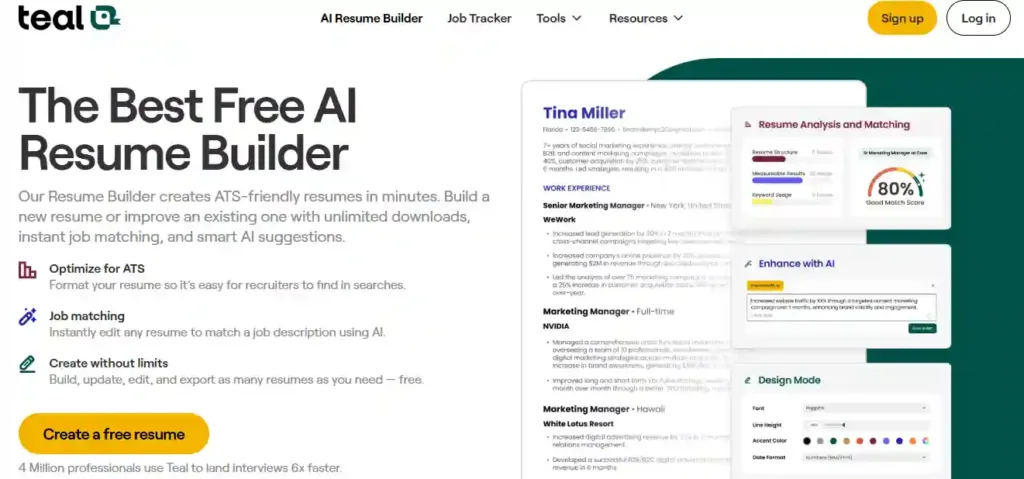
Teal is less of just a resume tool and more of a full job search platform.
Here’s what makes it different. You build a “master resume” that stores your entire work history. Then, for each job you apply to, you switch specific bullet points on or off depending on what’s relevant. So instead of maintaining five different resume versions, you maintain one and customize it per application in seconds.
It also has a built-in Job Tracker. Think of it like a personal CRM. You save jobs, move them through stages (Saved → Applied → Interview → Offer), and track your entire pipeline in one place. For someone applying to 20+ roles simultaneously, this is genuinely useful.
During setup, Teal asks about your career goals, salary expectations, and timeline and keeps them front and centre as a dashboard reminder. Small thing, but it helps you stay focused.
Trustpilot rating: ⭐ 4.3 / 5
Best for: Active job seekers applying to multiple roles who want to stay organised.
Free plan: Yes unlimited resumes and downloads on the free tier.
Paid plan (Teal+): ₹2,400/month. AI-generated bullet points and keyword matching are mostly gated here.
Watch out for: Design templates are limited and look similar to each other. Functionality over aesthetics.
3. Kickresume — Best All-Rounder (Especially for Freshers)
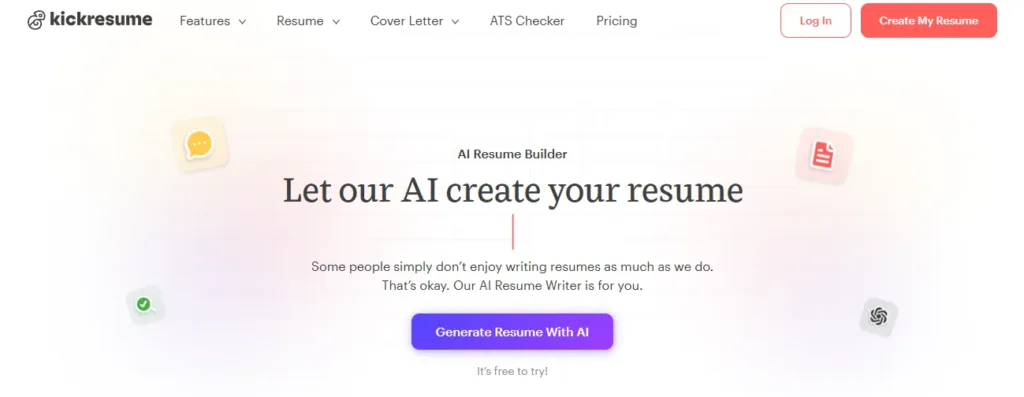
Kickresume is the most complete package on this list. It has strong templates, solid AI writing, a cover letter builder, and an interview prep tool all under one roof.
Here’s how the AI resume creation works. You fill in a two-step form your name and job title. Kickresume then generates a full first-draft resume with a summary and relevant bullet points. For a Copywriter role, for example, the AI might generate:
- Increased web traffic by 25% through SEO-focused content strategy
- Wrote and edited copy for websites, social media, and email campaigns
- Proofread and edited documents for grammar, tone, and accuracy
These aren’t perfect out of the box, but they’re a strong starting point. You edit, personalise, and add your real numbers and context.
What separates Kickresume is the design quality. All 40+ templates are made by professional typographers and cleared by recruiters. You can change fonts, Colors, section order, and even section icons useful for creative professionals who want their resume to actually look different.
There’s also an Analysis tab that scores your resume and tells you what to fix.
Trustpilot rating: ⭐ 4.6 / 5
Best for: Freshers, career changers, and anyone starting a resume from zero.
Free plan: Yes, one complete AI-generated resume free.
Paid plan: ₹830/month (approx $10). Students and teachers can get 6 months free, worth checking.
Watch out for: Since the AI only uses your job title as input, you’ll need to personalise heavily. Import your LinkedIn profile for better results.
4. Jobscan — Best for Serious ATS Optimisation

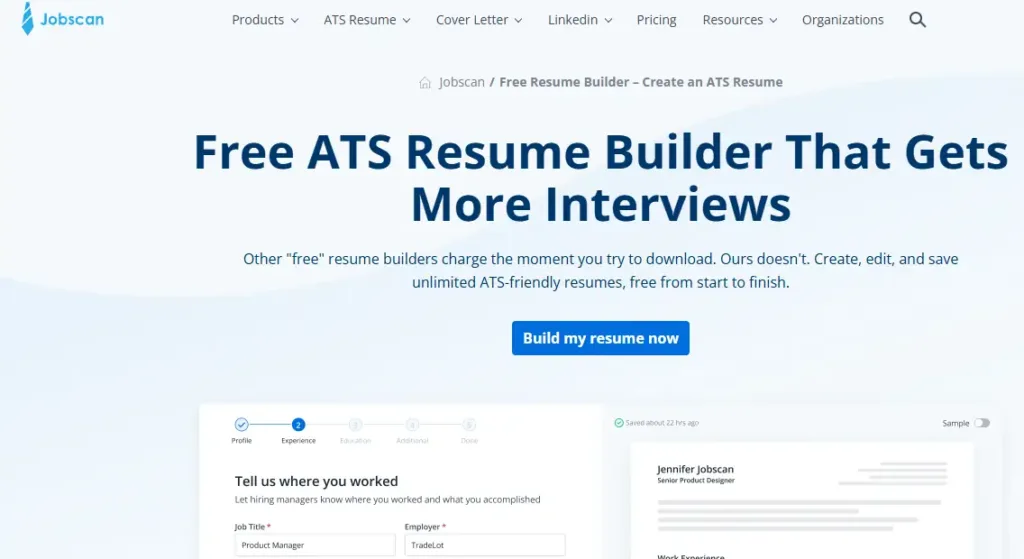
Paste your resume and a job description side by side. Jobscan gives you a match score say, 54% , and shows you exactly what’s pulling the score down. Missing skills, wrong keywords, formatting issues, even things like whether your job titles match what the employer is looking for.
It also tracks your applications and has a LinkedIn profile optimizer built in. So you’re not just fixing the resume you’re making sure everything lines up.
One standout feature: Jobscan tells you which ATS software a company likely uses and adjusts its recommendations accordingly. Workday formats differently from Greenhouse. That kind of specificity matters.
Best for: Mid-level and senior professionals targeting competitive roles at large organisations.
Free plan: 5 resume scans on signup, then 5/month.
Paid plan: Around ₹4,100/month for unlimited scans and full AI editing.
Watch out for: Can feel overwhelming if you’re new to ATS concepts. Best used by people who already have a decent resume and want to sharpen it.
5. Resume Worded Best for LinkedIn Users
If your LinkedIn profile is already well-maintained, Resume Worded is worth trying. It imports directly from LinkedIn and builds your resume from that data cutting out a lot of manual entry.
It also scores your LinkedIn profile separately and tells you how to improve it for recruiter searches. Given how many Indian recruiters use LinkedIn to source candidates directly, this dual optimisation is genuinely useful.
The feedback is specific. It doesn’t just say “add more keywords.” It shows you weak bullet points and suggests stronger rewrites. For example, “Managed projects” becomes “Led cross-functional teams of 8 to deliver 3 client projects, reducing timelines by 20%.”
Best for: Working professionals who are active on LinkedIn and want both their resume and profile optimised together.
Free plan: Limited 3 uploads per month.
Paid plan: Around ₹1,700/month.
6. Resume.io — Best for Beginners Who Want Speed
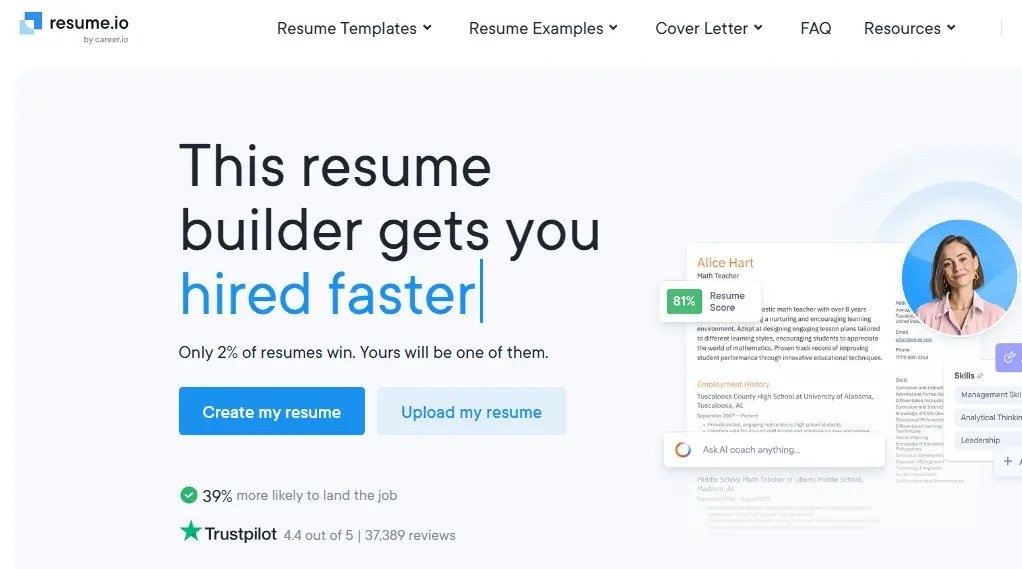
Clean, fast, and easy. That’s Resume.io in three words.
The AI gives real-time feedback as you type flagging weak language, missing sections, and formatting problems. You don’t have to finish the whole resume and then run an analysis. It catches issues as you go.
There are templates for traditional roles, creative fields, and everything in between. The free plan covers the basics, though downloading in PDF requires a premium account.
Trustpilot rating: ⭐ 4.3 / 5
Best for: First-time resume creators students, freshers, and those making a quick update.
Free plan: Yes. PDF download requires premium.
Paid plan: Around ₹500–600/month.
Watch out for: Customisation options are limited on the free tier.
The Biggest Mistakes People Make With AI Resume Builders
This matters. A lot of people use these tools wrong and it actively hurts them.
Copying AI output word-for-word. Recruiters are very good at spotting AI writing now. Phrases like “results-driven professional with a passion for excellence” get ignored immediately. Always rewrite the AI draft in your own voice. Add your actual numbers and specific projects.
Using one resume for every job. Even with AI tools, a generic resume underperforms. Use the job description as your guide. Pull the exact phrases the employer used “stakeholder management,” “Agile delivery,” “cross-functional collaboration” and work them in naturally.
Over-formatting with colours and icons. Heavily designed resumes often break ATS parsing. The software reads it wrong and your experience ends up in the wrong fields. Stick to clean layouts, especially for large company applications.
Skipping the human review. Run your AI resume by someone who has hired people in your field. They’ll catch things no tool will.
Which Tool Should You Pick? (India-Specific Advice)
If you’re a fresher or recent graduate Kickresume or Resume.io. Both have solid free plans and are easy to start with.
If you’re actively applying to 10+ roles Teal. The job tracker alone saves hours.
If you’re targeting MNCs, IT companies, or large corporates Rezi or Jobscan. ATS optimization is non-negotiable at these companies.
If you’re updating your LinkedIn too Resume Worded. Most useful if you’re being sourced by recruiters, not just applying cold.
Also Read: Free vs Paid Editing Apps: Honest Comparison, Real Results (2026)
Also Read: 15 Best Free AI Tools for Students in 2026 (No Credit Card Needed)
Final Word
AI resume builders don’t get you the job. They get you the interview.
The rest how you present yourself, how you answer questions, how you follow up — is still on you. But with recruiter attention spans down to 6-8 seconds per resume, getting that first look is everything. These tools give you a real shot at it.
Pick one that matches where you are in your job search, personalise the output, and keep applying. That’s the formula.