
Textbooks cost $300. Tutors charge by the hour. And somehow the best AI tools for students in 2026 cost exactly $0.
That’s not a catch. These are real tools with real free tiers no credit card, no trial countdown, no sudden paywall when you’re halfway through writing a paper at midnight.
Over 92% of students are already using AI tools in their studies. If you’re not, you’re doing more work than you need to. Here are the 15 best free AI tools for students right now, what each one actually does, and which type of student should use it.
1. ChatGPT (OpenAI)
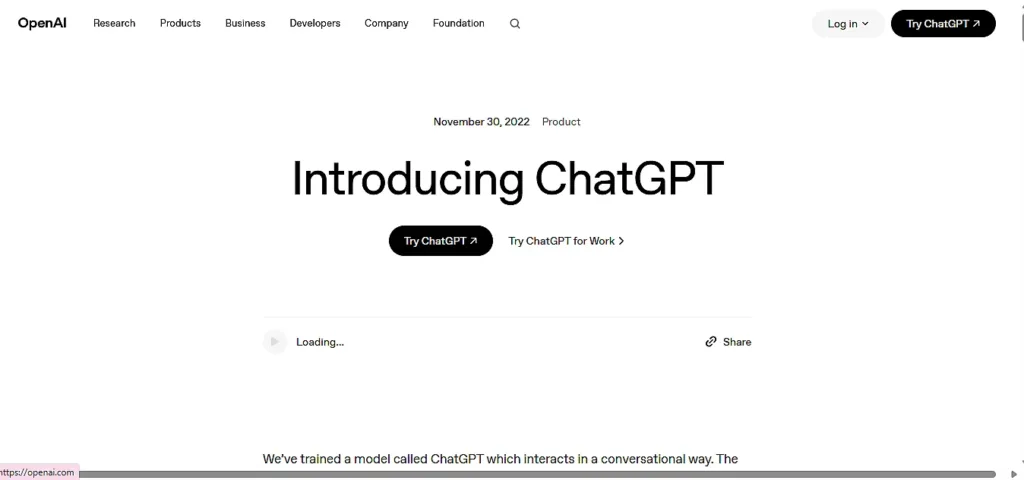
Best for: Writing, brainstorming, concept explanations
ChatGPT’s free tier gives you access to GPT-4o a genuinely capable model, not some watered-down version. You’ll hit daily message limits, but for most students doing homework or drafting essays, those limits are workable.
Use it to break down complex concepts, generate essay outlines, or practice for oral exams by having it quiz you. The custom instructions feature lets you set your academic level so responses aren’t over-explained every time.
Free tier: GPT-4o access with daily message caps. Limits reset every 3 hours.
2. Claude (Anthropic)
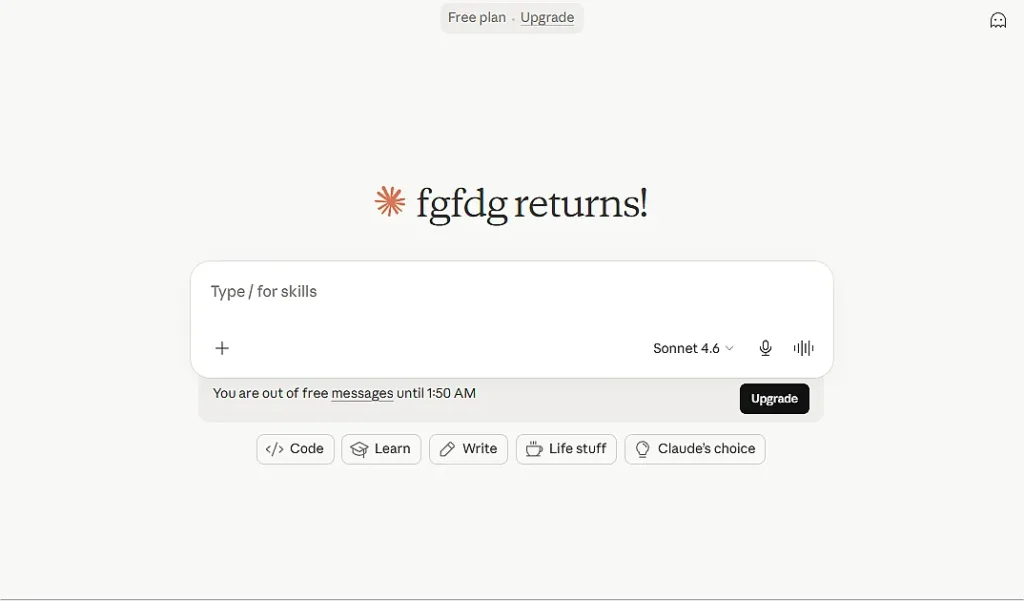
Best for: Essay feedback, long-document analysis, academic writing
Claude reads longer documents without losing the thread. Where ChatGPT gives comprehensive answers, Claude tends toward more nuanced analysis useful when you need actual argument critique on an essay draft, not just grammar fixes.
Ask it: “What’s missing from my argument that a strong counterargument would exploit?” You’ll get a sharper answer than most writing centers give.
Free tier: Generous daily usage, no credit card required.
3. Google NotebookLM
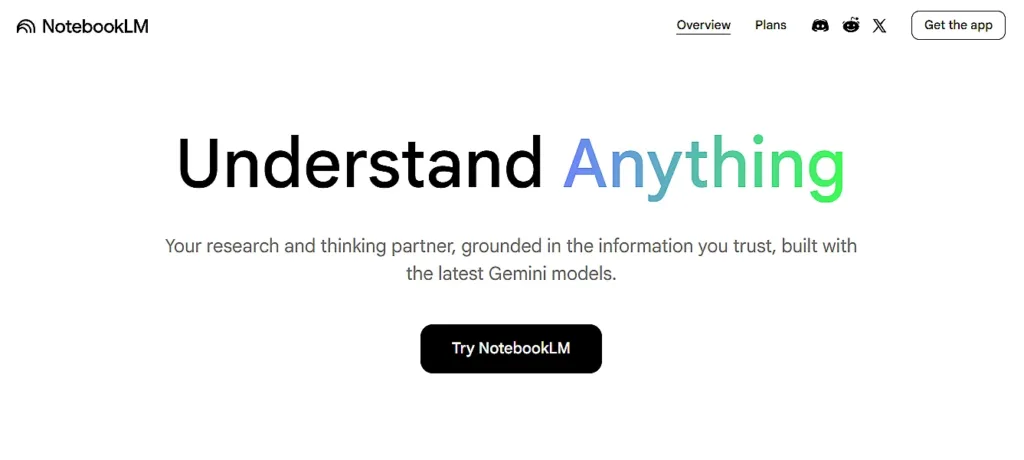
Best for: Studying from your own notes and course materials
This is probably the most underrated tool on this list. Upload your lecture slides, textbooks, or notes up to 50 sources per notebook and NotebookLM answers questions using only your materials. Every response includes citations you can verify.
The Audio Overview feature turns your notes into a 10-minute podcast. Genuinely strange, genuinely useful for commutes.
Free tier: Unlimited notebooks, 50 sources each, audio overviews included.
4. Perplexity AI
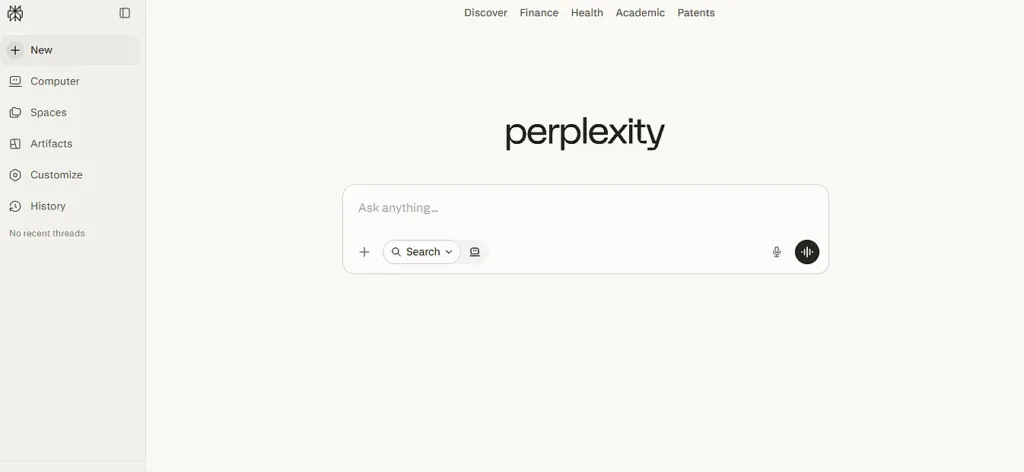
Best for: Research with verified sources, fact-checking
Perplexity is a search engine that actually answers your question. Every response comes with inline citations linked to real sources, no more opening 12 browser tabs to triangulate whether something is true.
For research papers, it’s where you start. You get 5 Pro searches per day on the free plan, with unlimited standard searches.
Free tier: Unlimited searches, 5 Pro searches daily. Students with a .edu email can verify for a free Education Pro plan.
5. Grammarly
Best for: Grammar, clarity, tone checking
Grammarly runs inside your browser and Google Docs, catching errors in real time. The free plan covers grammar and spelling. It won’t replace a good editor, but it will stop you from submitting something embarrassing.
Many universities also provide Grammarly Premium through institutional licenses check with your library or writing center before assuming you need to pay.
Free tier: Grammar and spelling checks, browser extension, unlimited use.
6. QuillBot
Best for: Paraphrasing, summarizing, citations
QuillBot does 4 things well: paraphrasing, summarizing, grammar checking, and citation generation. The free plan limits you to a shorter paraphrasing window, but for most use cases that’s fine.
The citation generator supports APA, MLA, and Chicago. Students who spend 20 minutes per source formatting citations manually will appreciate this immediately.
Free tier: Paraphrasing up to 125 words, summarizer, grammar checker, citation tool.
7. Google Gemini
Best for: Integration with Google Docs, Slides, and research
Gemini’s free tier includes a massive context window. you can paste in an entire textbook chapter and ask specific questions about it. If your university uses Google Workspace for Education, you might already have access to a more capable version through your school account.
Students with a valid .edu email can claim a free Google AI Pro plan at gemini.google/students. In most regions, that’s 12 months of premium features. Set a calendar reminder before it auto-renews.
Free tier: Gemini access with large context window. Education plan available for eligible students.
8. Anki

Best for: Memorization, spaced repetition, flashcard-heavy subjects
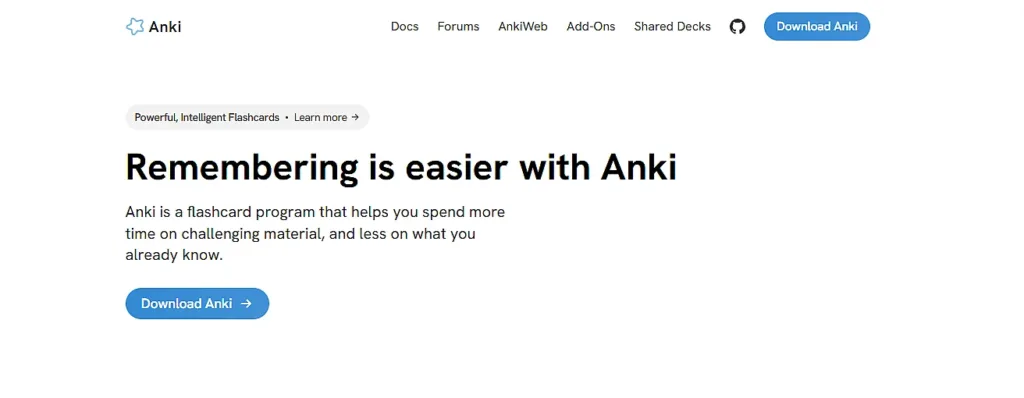
Anki is free on desktop and Android (a one-time $25 on iOS). It uses a spaced repetition algorithm that schedules review sessions based on how well you know each card so you spend more time on weak spots and less on things you already know cold.
Medical students, law students, and language learners swear by it. If you’re studying for board exams or bar prep, this is the one.
Free tier: Free on desktop and Android. Massive shared deck library for every subject imaginable.
9. Quizlet
Best for: Quick flashcards, practice tests, large existing libraries
Quizlet has the largest library of pre-made study sets. If someone has taken your class before, their flashcard deck is probably already there. The AI features generate practice questions and quiz you across multiple formats.
Less powerful than Anki for long-term retention, but faster to get started and better for group studying.
Free tier: Flashcard creation, study modes, access to millions of existing sets.
10. Wolfram Alpha
Best for: STEM problem-solving, step-by-step math explanations
Wolfram Alpha doesn’t just solve equations. it shows you every step. For calculus, physics, chemistry, and statistics, it’s the tool that lets you understand why an answer is correct, not just what it is.
Type in a problem in plain English. It handles it.
Free tier: Full computational engine, step-by-step solutions for most problems.
11. Notion (with student plan)
Best for: Organizing notes, assignments, projects
Notion’s free student plan available via a .edu email at notion.com/product/notion-for-education gives you the Plus plan at no cost. The AI features summarize notes, draft schedules, and help build essay outlines from scratch.
Notes, calendar, assignment tracker, and project management in one place. Students who currently use 4 different apps for this will feel the difference immediately.
Free tier: Free Plus plan with student email. AI features included.
12. Otter.ai
Best for: Lecture transcription, meeting notes
Otter.ai transcribes lectures in real time, labels different speakers, and generates AI summaries after class. The free plan gives you 300 transcription minutes per month.
For seminar-heavy programs, that goes fast. But for most undergrads with 3-4 hours of lectures per week, 300 minutes is more than enough.
Free tier: 300 transcription minutes per month, AI summaries, browser and mobile app.
13. Canva
Best for: Presentations, posters, infographics
Canva’s free plan is genuinely complete. You get thousands of templates, the Magic Studio AI tools for generating visuals, and real-time collaboration for group projects.
Canva for Education unlocks Pro features for students and teachers at no cost. Apply through your school if your institution is eligible.
Free tier: Full design suite, AI image tools, collaboration features.
14. Zotero
Best for: Managing research sources and citations
Zotero is free, open-source, and runs in your browser. It saves sources automatically as you browse, organizes them into folders, and generates citations in any format. The AI features tag themes and flag duplicate sources.
Every student writing a research paper should have this installed before they start. Seriously.
Free tier: Fully free. Optional cloud storage at $20/year for 2GB if needed.
15. Consensus
Best for: Finding peer-reviewed research quickly
Consensus indexes peer-reviewed literature and gives you synthesized answers with citations. Type a research question in plain language, it searches the academic literature and tells you what the evidence actually says.
For literature reviews and evidence-based assignments, it cuts research time significantly.
Free tier: Free searches with results per query. Enough for most student research needs.
Also Read: Free vs Paid Editing Apps: Honest Comparison, Real Results (2026)
Also Read: AI Deepfake App – Create Viral Content Fast | Trusted by 2M+
The workflow that actually works
Don’t try to use all 15 at once. That’s just procrastination with extra steps.
Pick a core 3 based on what you’re working on:
- Research papers: Perplexity → NotebookLM → Grammarly
- STEM courses: Wolfram Alpha → Anki → ChatGPT
- Essay writing: Claude → QuillBot → Zotero
- Group projects: Notion → Canva → Otter.ai
The students getting the most out of AI aren’t using it to skip work. They’re using it to do better work faster finding sources with Perplexity, analyzing them with NotebookLM, writing in their own voice, and cleaning up with Grammarly. That workflow produces stronger papers and doesn’t trigger AI detectors.
AI is a study partner. A fast one, available at 2am, that never gets tired of explaining the same concept three different ways. Use it like that, and you’ll actually learn more.