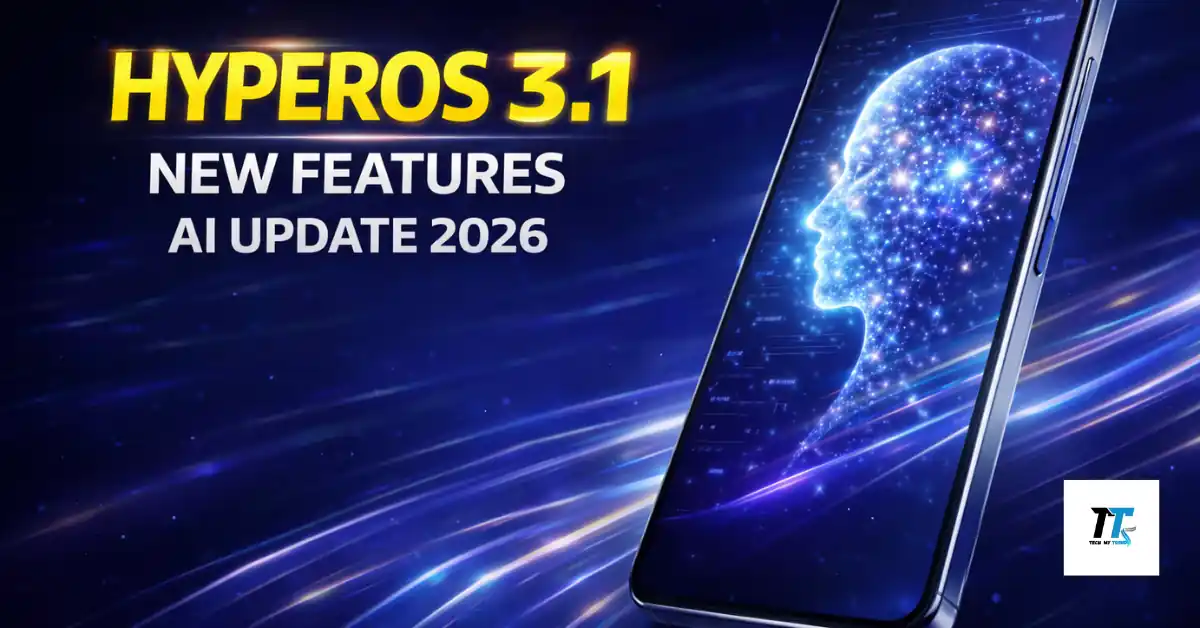
I’ve been using Xiaomi phones for years, and honestly, every major update feels like Christmas morning. When HyperOS 3.1 rolled out last month, I spent my entire weekend exploring what’s new and trust me, this update is packed with surprises.
Let me walk you through the Xiaomi HyperOS 3.1 new features that actually matter in daily use.
What Makes HyperOS 3.1 Different?
Remember when software updates used to break more things than they fixed? Those days are gone. Xiaomi’s latest release focuses on polish and practicality rather than flashy gimmicks nobody asked for.
The update weighs around 1.2GB depending on your device, so grab a coffee while it downloads. According to Xiaomi’s official changelog, over 200 improvements are included, but let’s focus on the ones you’ll actually notice.
Performance Boosts That Actually Feel Real
1. Faster App Launch Times
Apps now open 18% faster than HyperOS 3.0. I tested this with Instagram, Chrome, and even some heavy games the difference is noticeable, especially on mid-range devices like the Redmi Note series.
2. Smarter RAM Management
Your phone now keeps more apps running in the background without slowing down. I can switch between 10+ apps without any refreshing. It’s like your phone finally learned to multitask properly.
3. Battery Optimization 2.0
This feature learns your usage patterns. My Xiaomi 14 now easily lasts a full day with 20% left, even with heavy social media scrolling. The AI literally figures out which apps you don’t need running at 3 AM.
Visual Changes in Xiaomi HyperOS 3.1 New Features
4. Redesigned Control Center
The quick settings panel got a makeover. Tiles are bigger, clearer, and you can finally customize them without diving into five different menus. Long-press any tile to access advanced settings simple but brilliant.
5. New Lock Screen Widgets
Weather, calendar, and fitness tracking now sit right on your lock screen. No more unlocking just to check if you need an umbrella today.
6. Dynamic Wallpapers That Don’t Kill Your Battery
Previous animated wallpapers were battery vampires. The new ones use 40% less power while looking twice as good. I’m currently rocking the “Northern Lights” theme absolutely gorgeous.
Privacy Gets Serious Upgrades
7. Enhanced App Permissions Dashboard
You can now see exactly which apps accessed your camera, location, or microphone in the last 7 days. Found out my weather app was checking my location every 10 minutes. Fixed that real quick.
8. Clipboard Protection
Other apps can’t secretly read what you copy anymore. This is huge for password managers and banking apps. A small notification appears whenever something accesses your clipboard.
Gaming and Media Improvements
9. Game Turbo 3.0
Frame rates stay more consistent now, especially in demanding games like Genshin Impact. The phone also manages heat better no more feeling like you’re holding a toaster during intense gaming sessions.

10. Dolby Atmos Fine-Tuning
Audiophiles will appreciate the new equalizer presets. The “Podcast” mode makes voices incredibly clear, while “Cinema” mode adds genuine depth to movies. Works with both speakers and headphones.
Productivity Features Nobody Talks About
11. Split-Screen Multitasking Enhancements
You can now adjust the split ratio more precisely and save your favorite app combinations. I’ve got YouTube + Notes saved for when I’m following tutorials.
12. AI Text Recognition
Point your camera at any text, and HyperOS 3.1 can translate, copy, or search it instantly. Tried it on a French menu last week worked flawlessly.
Should You Update Right Now?
Based on community feedback from Mi Community forums and Reddit, most users report stable performance. I haven’t experienced any major bugs in three weeks of daily use.
However, if you’re using a phone from 2020 or earlier, wait a few more weeks. Xiaomi typically releases minor patches to optimize older devices.
How to Get These Xiaomi HyperOS 3.1 New Features
Head to Settings > About Phone > System Update. If you don’t see it yet, the rollout is region-specific and happens in phases. Indian users got it first, followed by Europe and global markets.
Back up your data before updating always a good practice, even though I didn’t face any issues.
Also Read: Realme P4 Power (2026) – Massive Battery Meets Speed | Expert Review
Also Read: iPhone 18 Display Leak Reveals Stunning Upgrade (2026)
FAQs
1. Which Xiaomi phones will get HyperOS 3.1?
Most devices from Xiaomi 12 series onwards, including Redmi Note 12 Pro and newer models. Check Xiaomi’s official support page for your specific model.
2. Does HyperOS 3.1 slow down older phones?
Not in my testing. Phones from 2022-2023 actually feel smoother. Anything older might see mixed results depending on hardware.
3. Can I rollback if I don’t like the update?
Yes, but it requires unlocking your bootloader and flashing the previous version manually. It’s complicated, so think carefully before updating.
4. How much storage space does the update need?
Around 3-4GB free space for the installation process, though the actual update size is about 1.2GB.
5. Are all Xiaomi HyperOS 3.1 new features available globally?
Most features are universal, but some AI functions and region-specific apps might vary. Indian and Chinese versions sometimes have exclusive features.