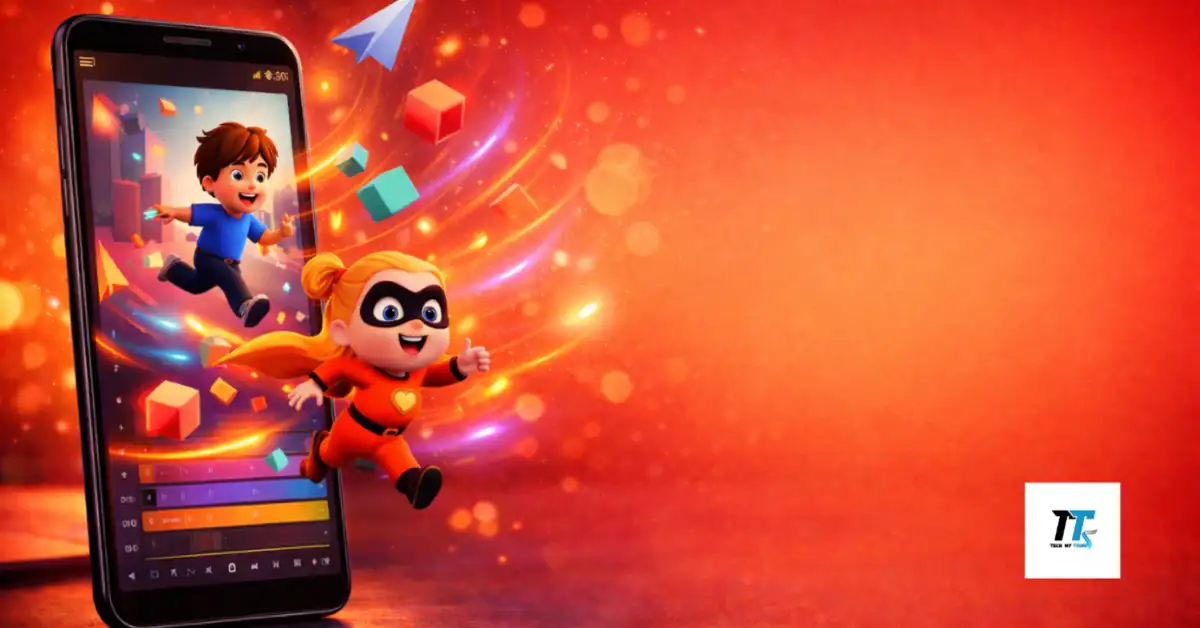
Let’s be honest scrolling through the Play Store looking for animation apps feels like searching for a needle in a haystack. You download one promising app, and boom, it’s either loaded with ads or crashes every five minutes. I’ve been there, frustration and all.
After testing dozens of animation apps for Android over the past few months, I finally found the ones that actually deliver. No gimmicks, no false promises. Just solid tools that help you bring your creative ideas to life.
Why Animation Apps for Android Are Game-Changers
Remember when animation was only possible on expensive desktop software? Those days are long gone. Now, your smartphone packs enough power to create professional-looking animations right from your couch.
Whether you’re a complete beginner or someone with experience, these apps make the process surprisingly simple. I started with zero animation knowledge, and within a week, I created my first short clip. That feeling of watching your own creation move? Absolutely worth it.
Top Animation Apps for Android That Passed My Tests
I tested these apps based on three criteria: ease of use, features, and performance. Here’s what actually worked.
FlipaClip: The Beginner’s Best Friend
FlipaClip app feels like having a digital flipbook in your pocket. FlipaClip became my go-to because it’s incredibly intuitive. You draw frame by frame, and the app strings them together seamlessly.
What impressed me most? The onion skinning feature. It shows your previous frames as you draw, making smooth animations much easier. I created a simple bouncing ball animation in under 20 minutes during my first attempt.
The free version gives you three layers, which honestly covers most basic projects. According to various user reviews on the Play Store, FlipaClip maintains a 4.3-star rating with over 10 million downloads and for good reason.
Alight Motion: When You Want More Control
If FlipaClip is a bicycle, Alight Motion is a sports car. This app offers professional-grade features like vector graphics, keyframe animation, and visual effects.
I’ll admit, the learning curve hit me hard initially. But after watching a couple of YouTube tutorials, things clicked. The app runs smoothly even on my mid-range Android phone, which surprised me given how feature-packed it is.
One downside? The watermark on free exports. But honestly, if you’re serious about animation apps for Android, the premium version pays for itself quickly.
Animation Desk: Classic Meets Digital
Animation Desk brings that traditional animation studio vibe to your phone. The interface reminds me of actual animator workspaces, which makes the whole process feel more authentic.
What sets it apart is the variety of brushes and tools. I experimented with different styles—from pencil sketches to watercolor effects and each turned out beautifully. The app also supports importing audio, letting you sync your animations with sound.

Performance-wise, it handles large projects without lag. I worked on a 200-frame animation, and it exported smoothly in HD quality.
Real-World Tips From My Experience
Here’s something nobody tells you: start small. My first ambitious project was a 30-second animation that took forever and looked mediocre. When I switched to creating 5-second loops, my skills improved dramatically.
Also, use reference videos. I kept a clip of a cat jumping on my phone and studied it frame by frame. Understanding real movement makes your animations look ten times better.
The Technical Stuff That Matters
Most animation apps for Android work best on devices with at least 4GB RAM. My phone has 6GB, and complex projects still slow down occasionally. If you’re running an older device, stick with simpler apps like FlipaClip.
Storage is another consideration. Animation files eat up space quickly. A single minute of animation can consume 100MB or more. I learned this the hard way when my phone storage filled up mid-project.
Why These Apps Beat Desktop Software for Quick Projects
Don’t get me wrong professional desktop software like Adobe Animate has its place. But for quick ideas and sketches, pulling out your phone beats firing up a computer every time.
I now sketch animation ideas during my commute. That spontaneity sparked creativity I didn’t know I had. By the time I get home, I’ve already got half my project done.
Final Thoughts on Choosing Animation Apps for Android
The best app depends on your needs. Want simple frame-by-frame? Go with FlipaClip. Need advanced features? Choose Alight Motion. Prefer traditional tools? Animation Desk has you covered.
My advice? Download all three and experiment. They’re free to try, and you’ll quickly discover which interface clicks with your brain. Animation apps for Android have genuinely democratized creativity, and that’s pretty exciting.
Now stop reading and start creating. Your first animation is waiting.
Also Read: Best Ad Free Music for Android 2026 – Pure Listening
Also Read: Samsung M02s 2026 – Complete Guide | Tech Verified