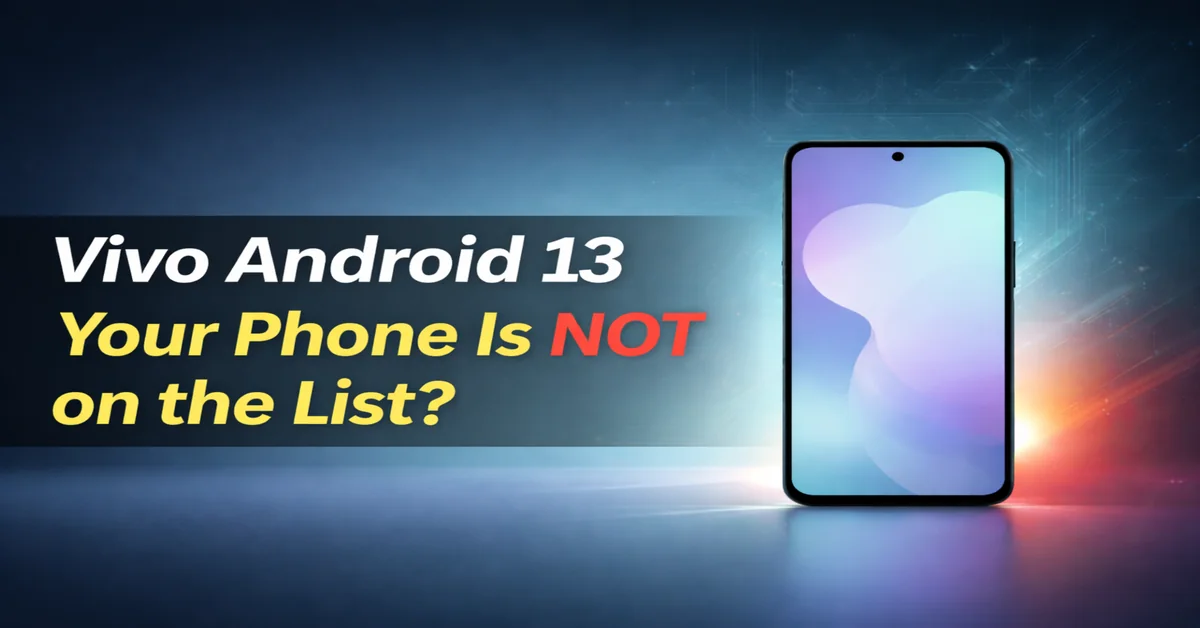
Hey guys, today you guys are going to know about vivo android 13 update list. Did you remember that excitement when Android 13 dropped back in 2022? It brought all those cool features like better privacy controls, Material You themes, and smoother performance. As a Vivo user myself, I was glued to my phone waiting for the update notification. I had a Vivo V23 back then, and let me tell you, the day it finally arrived felt like Christmas morning. No more lagging apps or outdated security – it was a game-changer. But not everyone was so lucky. If you are wondering about the Vivo Android 13 Update List and whether your device made the cut, you’re in the right place. In this post, we will dive into all the details, from eligible phones to how to get the update. Stick around; you might save yourself from buying a new phone too soon.
Understanding the Vivo Android 13 Update List
First things first: what exactly is the Vivo Android 13 Update List? It’s basically Vivo’s official roadmap for which phones would get the Android 13 upgrade, rolled out through their Funtouch OS 13 skin. Vivo promised this update to bring enhanced customization, improved battery life, and nifty features like photo picker for safer sharing. From my experience, updating my old Vivo phone made it feel brand new – apps loaded faster, and the interface looked fresher. But Vivo didn’t update every model; they focused on recent flagships and mid-rangers. The rollout started in late 2022 and continued into 2023, depending on your region. If your phone is on this Vivo Android 13 Update List, you’re good for better security patches and app compatibility. If not, well, it might be time to think about an upgrade.
Eligible Vivo Phones on the Vivo Android 13 Update List
Let’s get to the juicy part the devices that scored the update. Vivo covered a bunch from their X, V, and Y series. Here’s a breakdown:
- X-Series Heroes: These premium beasts were first in line. The Vivo X80 Pro kicked off the rollout in October 2022, followed by Vivo X80, X70 Pro+, X70 Pro, X60 Pro+, X60 Pro, and X60 (which got it by December 2022). I remember a friend with an X70 Pro raving about the new themes; it totally revamped his home screen.
- V-Series Mid-Rangers: Starting November 2022, models like Vivo V25 Pro, V25, V23 Pro, V23 5G, V23e, V23e 5G, T1 Pro 5G, Y75 5G, Y35, Y22, and Y22s joined the party. My V23 experience? The update fixed some camera glitches I’d been dealing with for months – photos came out sharper, especially in low light.
- Early 2023 Batch: For those with slightly older phones, the first half of 2023 brought joy to Vivo V21 5G, V21e, V20 Pro, V20, V20 2021, Y75, Y73, Y72 5G, Y53s, Y21s, Y33s, Y33T, T1x, Y51A, and Y20T. These updates were a lifesaver for budget users, keeping devices relevant longer.
Overall, Vivo aimed to cover over 50 models, showing they cared about longevity. If your phone’s here, pat yourself on the back!
iQOO Phones Included in the Vivo Android 13 Update List
Since iQOO is Vivo’s gaming sub-brand, they’re part of the family. Their list is solid too:
- Early Birds (End of September 2022): iQOO 9 and iQOO 9 Pro got it quick.
- November 2022 Crew: iQOO 9T, 9 SE, and Neo 6.
- Mid-December 2022: iQOO Z5, 7 Legend, 7, and Z3 5G.
- Mid-January 2023: iQOO Z6 Lite 5G.
Gamers loved this – one buddy with an iQOO 7 said the update boosted frame rates in heavy games like PUBG. No more overheating during marathon sessions!

Phones Missing from the Vivo Android 13 Update List
Not all phones made it. Older ones like the iQOO 3 series were left out, along with some entry-level Y-series from before 2020. If your device launched pre-2020, chances are it’s stuck on Android 12 or earlier. It’s a bummer, but that’s tech for you – companies prioritize newer hardware. In my case, an old Y-series phone from 2019 never got beyond Android 11, pushing me to upgrade.
How to Check If Your Phone Is on the Vivo Android 13 Update List
Easy peasy! Go to Settings > System Update on your Vivo or iQOO phone. If it’s available, download and install. Make sure you’re on Wi-Fi and have at least 50% battery. Back up your data first – I once lost some photos during an update, lesson learned! If nothing shows, check Vivo’s official site or forums for region-specific timelines.
Why Update? Benefits from the Vivo Android 13 Update List
Updating isn’t just hype. Android 13 on Vivo brings per-app language settings, themed icons, and stronger privacy. Battery life improves with smarter Doze mode, and security patches keep hackers at bay. Personally, after updating, my phone lasted a full day without charging, even with heavy use. It’s worth the wait!
Conclusion
In wrapping up, the Vivo Android 13 Update List was a big win for many users, extending phone life and adding fresh features. If yours made it, congrats! If not, maybe it’s time for a new Vivo. What’s your experience with updates? Drop a comment below – I would love to hear.
Also Read: Realme Android 12 Update List Out-Is Your Phone Stuck Old?
Also Read: Oppo Android 14 Update: My Phone Got Faster and Smoother Overnight – Real User Results