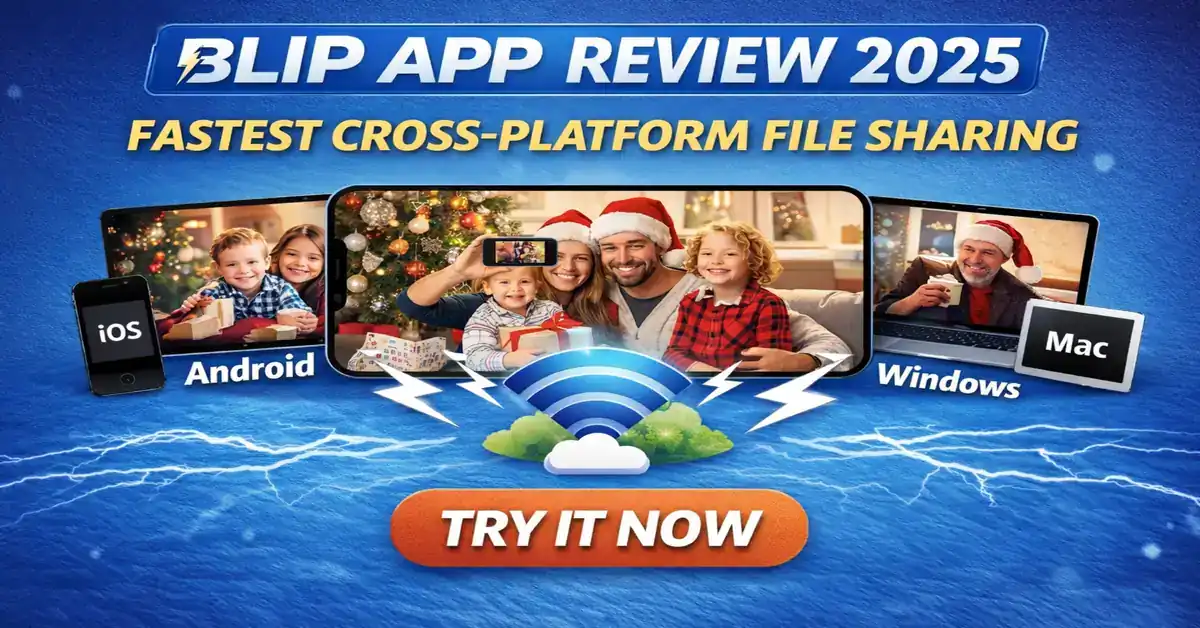
Hi guys, today let discuss an important and trending topic that is all about “Blip App which is The fastest way for file Transferring” families everywhere are buried in a avalanche of holiday memories thousands of high-resolution photos from festive gatherings, 4K videos of kids unwrapping gifts, and massive folders of family footage that need to get shared fast. But here’s the perennial headache that is one person has an iPhone, another an Android, someone else a Windows laptop, and Grandma’s on her old Mac. Traditional tools like AirDrop lock you into Apple’s world, while Quick Share favors Android ecosystems. Sending via email? Forget it with large files. Cloud uploads compress everything or hit strict size caps.
Enter the Blip app, a sleek, no nonsense solution that’s quietly become the go-to cross-platform file sharing tool this season. It’s not just another app it’s the fast file sharing app that removes every barrier, letting you send unlimited files directly between iOS, Android, Windows, and macOS devices, whether you are in the same room or halfway across the country.
The Real Pain Point Blip Solves and Why It Matters Now
In a world where most households mix devices think iPhone toting parents, Android using teens, and Windows PCs for work send files between iPhone and Android instantly has been a frustrating gap for years. Native options like AirDrop or Nearby Share now Quick Share are great within their silos but crumble when crossing platforms. Third party clouds like Google Drive or Dropbox work, but they compress originals, impose limits on free tiers, and force uploads that eat time and data.
Blip flips this on its head with peer-to-peer file transfer that’s direct and device-to-device. No cloud storage needed, no compression file transfer that ruins your 4K holiday videos, and absolutely no file size limits. You keep original quality photos and videos intact, which is crucial when sharing those irreplaceable holiday moments.
This timing couldn’t be better. With holiday travel peaking and remote family connections via video calls, people are capturing more media than ever. A quick Blip app review 2025 scan shows users raving about blasting gigabytes of footage to relatives overseas without a hitch. It’s trending as the holiday file sharing app 2025 because it handles the chaos of mixed-device families effortlessly.
How Blip Stands Out: Beyond the Basics
At its core, the Blip app is built for simplicity. Sign in with your email (verified for security), and your devices link up automatically. From there:
- Local network file sharing kicks in when devices are nearby, delivering blistering speeds users report 200-300Mbps on Wi-Fi, far outpacing internet dependent alternatives.
- For remote file transfer over internet, Blip uses optimized relays to maintain momentum, even resuming interrupted sends seamlessly.
- Deep share sheet integration means you tap share in Photos or Files, select Blip, and pick a contact. No app-switching hassle.
- End-to-end encrypted sharing ensures privacy files never linger on servers, going straight from sender to receiver.
Compared to competitors, Blip shines in real world tests. Against LocalSend a solid open-source local option, Blip wins for remote scenarios without needing the same network. Versus WeTransfer or Dropbox, there’s no upload download dance or public links. And as the top AirDrop alternative for Android and iOS 2025, it does not require proximity, making it ideal for sending holiday pics to far flung loved ones.
Expert insight here: Blip employs a custom acceleration protocol that maximizes your bandwidth, similar to enterprise tools like Aspera but without the complexity or cost. This is not just marketing testers consistently hit speeds limited only by your connection, not artificial throttles.

Perfect for Holiday Chaos: Sharing Family Memories Without the Drama
Imagine Christmas morning: everyone’s phones are full of raw bursts and videos. Instead of compressing into WhatsApp chats or splitting across emails, fire up Blip and send entire albums in original quality. Grandparents get full-res shots instantly, no “send as smaller” prompts.
This unlimited file transfer app for holiday photos trend is exploding because modern phones shoot massive files Pro RAW on iPhones or 1080p/4K on Androids add up quick. Blip’s direct device-to-device transfer preserves every detail, auto-resuming if Wi-Fi dips during family dinners.
For multi-platform compatibility, it’s unmatched. Android to iPhone? Seamless. Mac to Windows? Effortless. It’s why forums call it “AirDrop on steroids” for multi-platform compatibility.
Security and Privacy: A Step Above the Rest
In an era of data concerns, Blip prioritizes secure file sharing app principles. End-to-end encryption, no persistent cloud storage, and verified contacts mean your personal holiday media stays private. Unlike link-based services, there’s no risk of expired shares or unintended access.
Looking Ahead: Blip’s Potential to Reshape File Sharing
As we head into 2026, Blip could push boundaries further rumors of Linux support and deeper integrations hint at broader adoption. If it continues gaining traction already hundreds of thousands of downloads, it might force giants like Apple and Google to open up their ecosystems more.
For now, it’s the viral file transfer app December 2025 solving a universal problem elegantly. Free for personal use, ad-free, and reliable it’s hard to beat.
Also Read: New Android Apps December 2025 – Hidden Apps You’ll Love.
Also Read: Blood West Review – The Dark Western Game You Can’t Stop Playing
Conclusion
Ready to ditch the frustration? Grab the Blip app download from blip.net, App Store, or Google Play and above I have provided link you can download as your wish. This holiday season, make sharing those Christmas photos and videos as joyful as capturing them. Whether it’s sharing family holiday memories cross devices or everyday transfers.