Hey guys, I know you guys are very interested! Did you Remember the good old days when updating your phone felt like unwrapping a present? Well, for Xiaomi Mi A3 owners, the MI A3 Android 11 Update turned that excitement into a full-blown headache. If you’re still rocking this budget beast from 2019 and wondering if that infamous update is a dead end, you’re in the right place. I have been through the trenches with Android updates myself once bricked my old device during a late-night OTA frenzy and I know how frustrating it can be. In this post, we’ll dive into what went wrong, real user stories, and whether there’s hope in 2025. Let’s break it down step by step, keeping things simple and straightforward.
The Chaotic Rollout of the MI A3 Android 11 Update
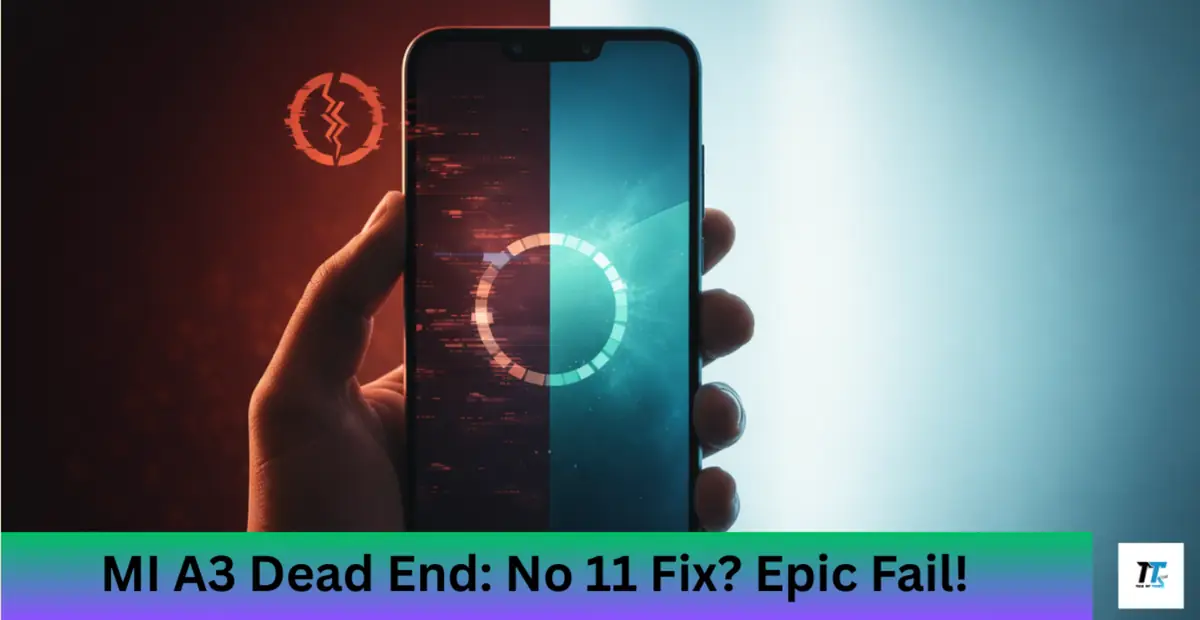
Back in late 2020 and early 2021, Xiaomi pushed out the MI A3 Android 11 Update as part of its Android One promise. This phone, loved for its clean stock Android experience, was supposed to get a smooth upgrade from Android 10 to 11. But oh boy, did things go south fast. Users reported that right after downloading and installing, their devices wouldn’t boot up at all. We’re talking total blackout no splash screen, no recovery mode, zilch. It was like the phone decided to take an eternal nap.
I recall scrolling through forums back then, heart racing as I debated updating my own Mi A3. The update was meant to bring cool features like better privacy controls, chat bubbles, and improved media handling. Instead, it became a cautionary tale. Xiaomi quickly pulled the update after the complaints flooded in, admitting it was a mess. If you were one of the unlucky ones who jumped in early, you know the panic all too well.
Common Issues Plaguing the MI A3 Android 11 Update
So, what exactly broke? The big one was bricking devices getting stuck in a boot loop or completely unresponsive. Even connecting to a PC for fixes was impossible for many. But that wasn’t all. Those who managed to get past the install faced bugs like lagging interfaces, battery drain, camera glitches, and random crashes. Some folks said their fingerprint sensor went haywire, and Wi-Fi connections became unreliable.
Picture this: You’re in the middle of an important call, and your screen freezes thanks to the MI A3 Android 11 Update. I had a similar issue with an older phone update; it turned my daily driver into a paperweight for days. These problems weren’t just minor annoyances; they made the phone unusable for work or play. Reports from Brazil to India showed it was a global fiasco, highlighting how rushed updates can ruin a great device.
Xiaomi’s Handling of the MI A3 Android 11 Update Disaster
Credit where it’s due Xiaomi didn’t ghost their users. They halted the rollout within days and offered free repairs at service centers, even for out-of-warranty phones. A few weeks later, they re-released a patched version of the MI A3 Android 11 Update that didn’t brick devices anymore. But some bugs lingered, like performance dips.
In my experience chatting with Mi A3 owners online, this response was a mixed bag. Some praised the free fixes, while others felt it was too little, too late. It spotlighted bigger issues with Android One on Xiaomi devices slow updates and quality control slips. If you skipped the update back then, you might still be on Android 10, which honestly wasn’t a bad spot.
Fixes and Workarounds for MI A3 Android 11 Update Problems
Is there a fix if you’re stuck? For bricked phones, heading to a Xiaomi service center was the go-to, where they’d flash the ROM manually. Tech-savvy users turned to tools like MiFlash for downgrading to Android 10. But beware it’s not for beginners and could void your warranty.

Fast-forward to 2025, and official support has dried up. The MI A3 Android 11 Update was the last major one. If you want fresher software, custom ROMs are your friend. Stuff like crDroid based on Android 15 is floating around on XDA forums, breathing new life into old hardware. I tried flashing a custom ROM on a similar device once; it was thrilling but nerve-wracking back up everything first!
Real User Experiences with the MI A3 Android 11 Update
Let’s get personal. On Reddit, one user shared how their phone bricked mid-update, forcing them to buy a new one while waiting for repairs. Another on XDA forums described the frustration of losing data and the relief after a service center visit. I remember a friend venting about his Mi A3: “It was my first Android One phone, and now I distrust updates forever!”
These stories humanize the tech woes. It’s not just code; it’s about real people missing calls or photos. If you’ve got a tale, drop it in the comments sharing helps everyone.
The MI A3 Android 11 Update in 2025: Dead End or New Beginnings?
Today, the MI A3 Android 11 Update feels like ancient history, but its scars remain. If your phone’s still kicking on Android 11, congrats it’s stable enough for basics. But for security patches or new features, custom ROMs or upgrading to a newer model might be smarter.
In the end, this saga taught me to wait a week before updating. The Mi A3 was a gem, but software slips like this remind us tech isn’t perfect. If you’re dealing with update blues, hang in there there’s usually a fix around the corner. What about you? Did the MI A3 Android 11 Update bite you? Let me know!
Also Read: Oppo Android 14 Update: My Phone Got Faster and Smoother Overnight – Real User Results
Also Read: Vivo Android 13 Update List: Did Your Phone Get Forgotten Forever?